Bitnami for XAMPP greatly simplifies the development of PHP applications on top of ApacheFriends XAMPP, by installing WordPress and many more open source applications on top of XAMPP. System Requirements
Bitnami XAMPP modules require either XAMPP or a Bitnami LAMP, MAMP or WAMP stack already installed. They can be used with XAMPP (installer or zip file) v1.7.4 or later on Windows, v1.8.1 or later on Linux, and v1.8.2 or later on Mac OS X.
Download Bitnami XAMPP modules
Bitnami for XAMPP works properly on top of the portable version. Due to application requirements, once you install an application, you cannot move or rename your XAMPP directory.
InstallationBitnami XAMPP modules require either XAMPP or a Bitnami LAMP, MAMP or WAMP stack already installed. They can be used with XAMPP (installer or zip file) v1.7.4 or later on Windows, v1.8.1 or later on Linux, and v1.8.2 or later on Mac OS X.
Download Bitnami XAMPP modules
Ensure that the XAMPP MySQL server is running before beginning module installation.
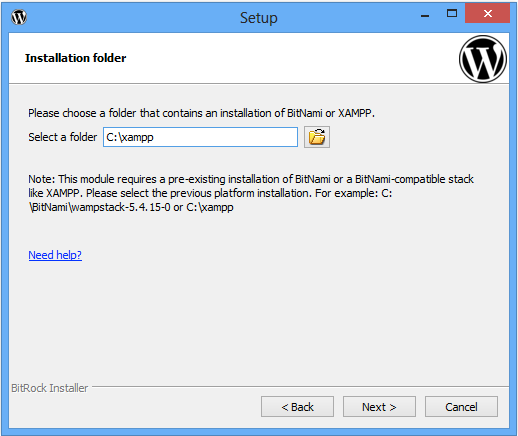
During the installation process, you will be prompted for the XAMPP installation directory. The default installation directory is typically C:\xampp on Windows, /opt/lampp on Linux and /Applications/XAMPP on Mac OS X.
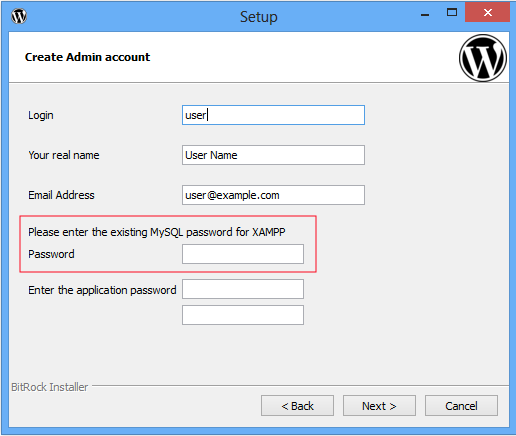
Bitnami for XAMPP modules require the MySQL root password to create the application databases. The default XAMPP password for the MySQL root account is an empty string. If you have changed this password, you will be prompted for it during the module installation process.
Bitnami applications will be installed within your XAMPP installation directory, in the apps/ subdirectory. All the applications are configured with their files in the following locations:
INSTALL-DIR/apps/APP-NAME/htdocs: Application files
INSTALL-DIR/apache/conf/httpd.conf: Apache configuration file
INSTALL-DIR/apps/APP-NAME/conf/httpd-prefix.conf (in previous versions, wordpress.conf): Apache configuration file for application
To access an application, browse to the URL For example, WordPress will be accessible at You can also access applications from the XAMPP welcome page, under the "Applications" tab.
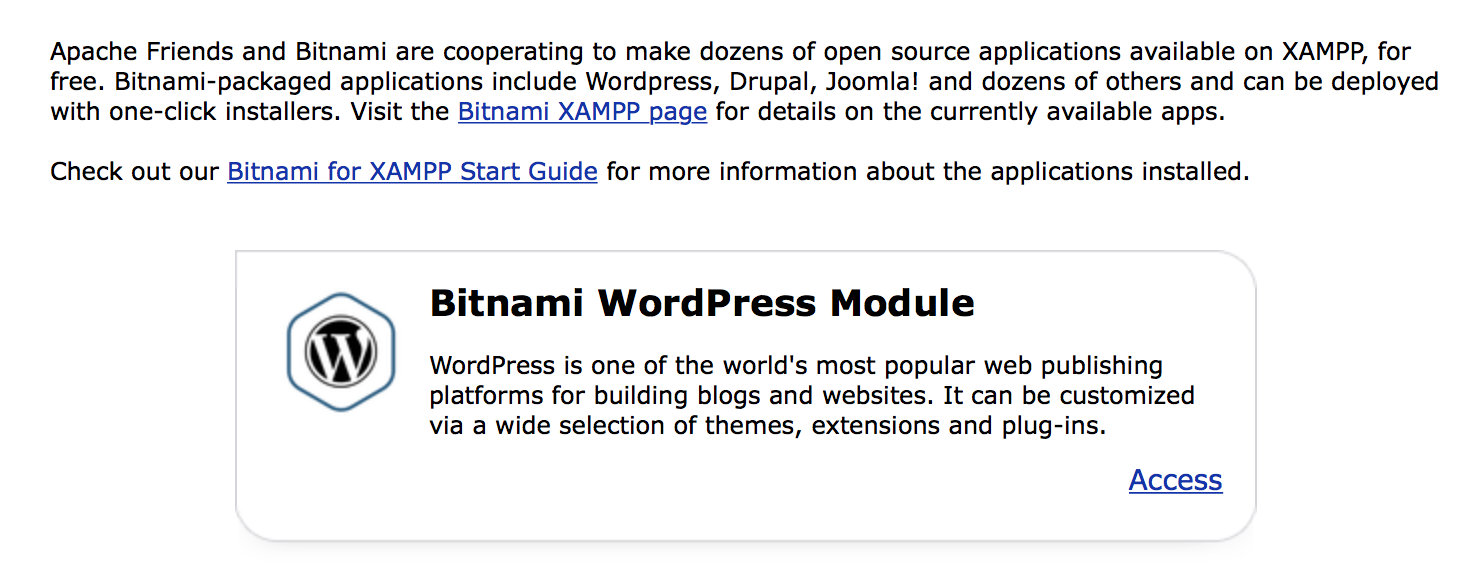
Find more information about how to configure Bitnami applications
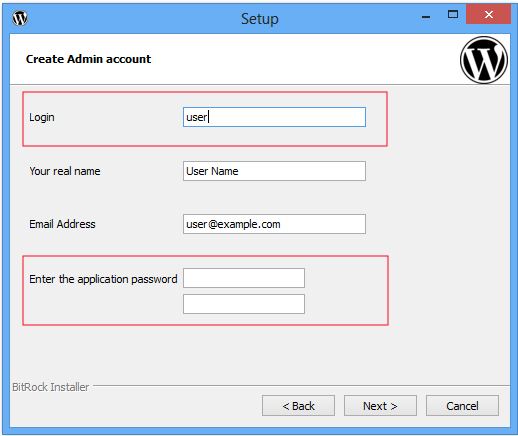
CredentialsAdministrator credentials for each application are configured from the installer. The default username is "user" and the password is the one configured during the installation process.
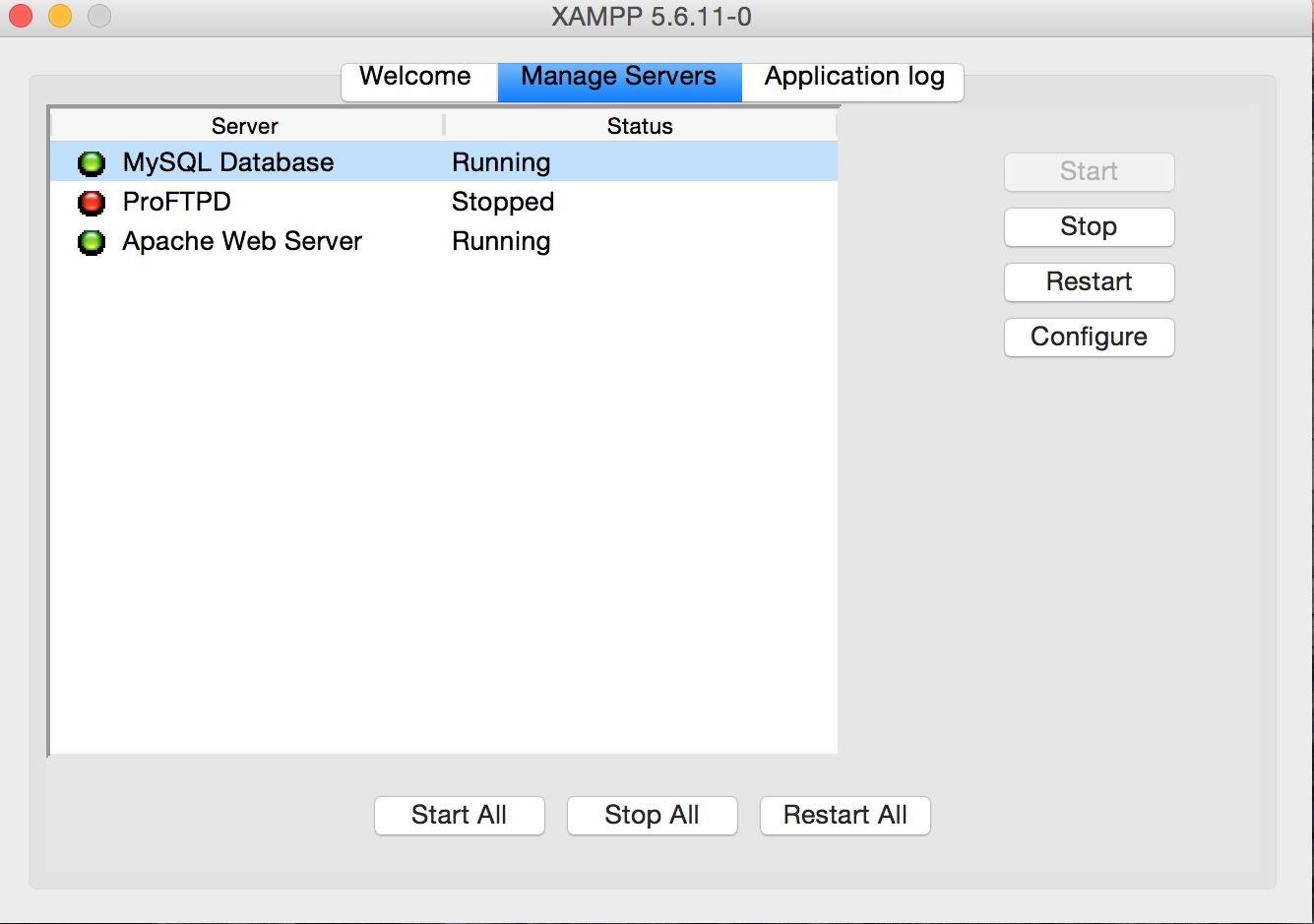
Since XAMPP v1.8.2-beta2, XAMPP for Linux and Mac OS X ship a new graphical manager, as shown below:
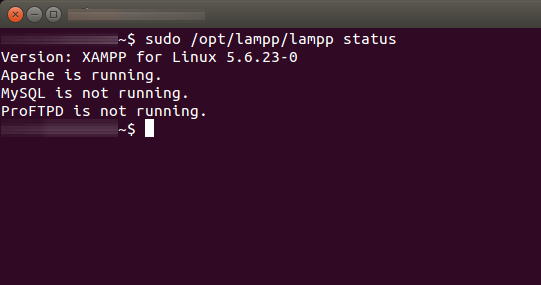
You can also continue using the regular /opt/lampp/lampp script from the command line on Linux, as shown below:
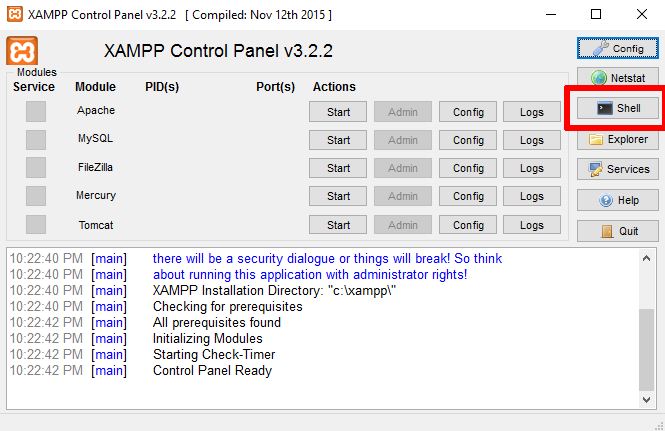
Some applications include a command-line scripting tool, such as Drush for Drupal. Access these command-line tools from the XAMPP Shell, included with XAMPP for Windows.
郑重声明:本文版权归原作者所有,转载文章仅为传播更多信息之目的,如作者信息标记有误,请第一时间联系我们修改或删除,多谢。
